%20-%20Teams%20Logo.png?width=576&height=182&name=Logo%20in%20standard%20arrangement%202%20(RGB)%20-%20Teams%20Logo.png "Epic Fusion")

Installing an AI app through Microsoft Intune is not the same as protecting the data inside it. That difference matters when someone uses an AI assistant on a personal iPhone. This blog explains how Claude for Intune and ChatGPT for Intune connect mobile AI with app protection. We will look at the correct apps, policy settings and check to run before a rollout. The goal is useful AI access without treating every private phone like a company device.
Checked: 5th October 2026. This guide covers iOS/iPadOS. The configuration walkthrough and the proposed device tests are different things: a policy in the portal does not prove that a phone is enforcing it.
What Claude for Intune and ChatGPT for Intune are.
These are Intune-enabled versions of the vendors' mobile AI assistants. They are not agents that administer Intune. The idea is to bring the assistant into the same mobile data-protection approach you already use for work apps.
Anthropic's announcement describes a separate Claude app for work on iPhones and iPads. The standard Claude app can remain installed beside it. The managed version uses Microsoft sign-in and supports Intune app protection and Microsoft Entra Conditional Access. More about the Anthropic setup guide.
OpenAI has an equivalent client, ChatGPT for Intune. Microsoft lists it as an iOS partner app with support for Intune Mobile Application Management (MAM). That confirms the protected client exists; it does not establish every commercial plan, sign-in method or Conditional Access scenario. Here the Microsoft protected-app list.
Note: An app-store listing, the Intune app catalog and the app-protection picker are three different things. An app can be available for installation before it appears in the protection picker.
What Intune App Protection can protect.
Mobile Device Management (MDM) manages the device. Mobile Application Management (MAM) focuses on organizational data in participating apps. App protection can also work without MDM enrollment, which makes it relevant to Bring Your Own Device (BYOD). Here the Microsoft app-protection overview.
Consider a fictional work message. A user wants the assistant to shorten it before replying. The useful workflow is managed Outlook → approved AI app → managed Outlook. Sending the result to a private notes app is a different data path. Those two paths should not receive the same answer by accident. That is where app protection is useful. It gives the mobile team controls around work-data movement and access. It is not a rule that decides whether a particular customer name belongs in a prompt. It also does not make an AI service run inside your tenant. A permitted upload still goes to the service you approved. Model-training terms, retention, residency, connectors and workspace sharing need their own review. OpenAI's governance documentation also distinguishes reporting and audit surfaces rather than presenting one universal control. More about OpenAI governance documentation.
Practical rule: approve the destination before you make the data path convenient.
Prerequisites before you start.
Start with a small user group, for example AI-Mobile-Pilot. Use synthetic content during testing and agree who owns the mobile policy and the AI workspace.
For Intune app protection, the user needs an Entra account, an assigned Intune license, membership in the targeted user group and the appropriate organizational sign-in. The policy must also target the app they actually use. See also Microsoft user requirements.
For Claude, check the Enterprise entitlement and ask Anthropic to enable Microsoft sign-in for the organization's domains. Its setup documentation specifies iOS/iPadOS 18 or later. Do not send users into a sign-in flow before this vendor-side preparation is complete. See as well Claude prerequisites.
For ChatGPT, do not copy that Enterprise requirement from Claude. Confirm the supported workspace plan, organizational identity flow and any enablement with OpenAI. A free app download is not proof that every organizational feature is included. The Microsoft partner listing alone does not answer these questions.
If you add app-based Conditional Access, check the Entra licensing prerequisite too. Microsoft requires Entra ID P1 or P2 for the documented app-based policy setup. On iOS, Microsoft Authenticator acts as the broker for the app-protection grant flow. Device registration for that flow is not the same as MDM enrollment. More under Microsoft app-based Conditional Access or grant-control requirements.
Hint: Keep the cost discussion in three boxes: Intune, identity controls and the AI service. Do not hide a missing entitlement behind the word «managed.»

Configure Claude for Intune and ChatGPT in Intune.
Step 1: Choose the correct store app.
Open the Microsoft Intune admin center. Under Apps, open All apps or the iOS/iPadOS platform view. Choose Create, then iOS store app. Use Search the App Store and check the region. Search for the Intune client, inspect the publisher and select the exact result. Review the minimum OS instead of assuming that an older search snippet is current. See Microsoft iOS store-app workflow.
The store identifiers are useful when similar names appear:
- Claude Intune: 6812855318.
- ChatGPT for Intune: 6759581694.
Step 2: Select apps in the iOS and iPadOS protection policy.
Open Apps → Protection, then create an iOS/iPadOS policy. Some portal versions label this area App protection policies. Give the policy a clear pilot name and description. On Apps, use a selected-app scope. For Claude, open Select custom apps and enter: com.anthropic.claudeforintune
Select the entry so it appears in the policy's selected apps. Typing the ID without adding it is not enough. Anthropic currently documents this custom-app route because Claude is not yet in the public protection picker. Mode under Claude app selection.
For ChatGPT, search the public app selector for the Intune-enabled client. If it is missing, verify the current bundle ID from authoritative app metadata or the vendor before adding a custom entry. Do not invent an identifier from the app name.
Suggestion: Use a separate pilot policy first. It makes troubleshooting easier than adding two new AI clients to a broad production baseline on day one.
Step 3: Define the data paths you need.
The following settings are a suggested pilot baseline. They are not proof that enforcement has already been tested on an iPhone.
-
Back up organizational data
-
Starting point: Block
-
Rationale: A personal backup is not an approved storage location for work data.
-
-
Send organizational data to other apps
-
Starting point: Policy managed apps
-
Rationale: This preserves a practical path between work apps without allowing all recipients.
-
-
Cut, copy, and paste
-
Starting point: Policy managed apps
-
Rationale: The same boundary applies to the clipboard and should be tested.
-
-
Save copies of organizational data
-
Starting point: Block or explicitly approved work locations
-
Rationale: First, decide which storage destinations the business unit actually needs.
-
-
Receive data from other apps
-
Starting point: Decide separately
-
Rationale: Importing data into an approved AI service is also a governance decision.
-
-
App access
-
Starting point: Require a PIN and choose biometrics deliberately
-
Rationale: Access remains protected when someone else uses the smartphone.
-
The exact behavior depends on the app's SDK integration and your settings. iOS sharing and the clipboard are not the same feature. Microsoft documents the available options and exceptions in its iOS app protection policy reference. Do not simply choose the strictest setting everywhere. Blocking all incoming data transfers could completely prevent the example involving a work message. Conversely, allowing data from managed apps could make it easier to upload confidential information. You need to decide in advance whether that upload should be permitted.
Step 4: Review access conditional launch and assignment
Review Access requirements and Conditional launch separately. An app PIN is not MFA. A minimum supported OS is not a complete device-compliance assessment. Conditional launch deals with the app's launch conditions; Conditional Access evaluates access during the identity flow.
For a pilot, document an explicit minimum OS, the action for unsupported devices and the offline behavior. Avoid a wipe action as your first troubleshooting experiment. Review the current app, OS and SDK compatibility before setting a minimum version. Assign the policy to the pilot user group, not a device group. Review the complete app selection and settings before creating it. After sign-in, inspect Intune's app-protection status for the correct user and app. Keep app-install status and app-protection status separate.
Note: Creating a policy does not instantly establish successful delivery. A user might still have the wrong client, a different account or an old session.
Conditional Access for mobile AI Apps.
App protection defines the supported app controls. Conditional Access can require a qualifying protected sign-in. Microsoft documents Require app protection policy, broker requirements and supported applications. Being in the MAM partner list is not sufficient evidence for every Conditional Access grant scenario. See Microsoft grant-control reference.
For Claude specifically, Anthropic warns that targeting only Office 365 or Claude SSO does not cover the Intune client. Its documented route uses All resources and the app-protection grant. More here Claude identity setup. That broad resource scope deserves care. Restrict the first evaluation to pilot users and the intended mobile platform/client conditions, retain emergency-access exclusions and inspect the impact on other applications. Do not apply a new all-user rule just to make one new app work. Start with Report-only to understand the sign-in impact. Then run a controlled enforced pilot. Report-only is not proof that an unprotected client is blocked. More under Microsoft staged policy guidance.
For ChatGPT, verify its actual resource and identity flow independently. Do not reuse the Claude enterprise application's target or assume that changing an app name in the policy makes it correct. Also keep this boundary clear: a sign-in rule for an organizational identity is not a general ban on personal AI accounts, Safari, desktop clients or API access. Those paths need separate decisions.
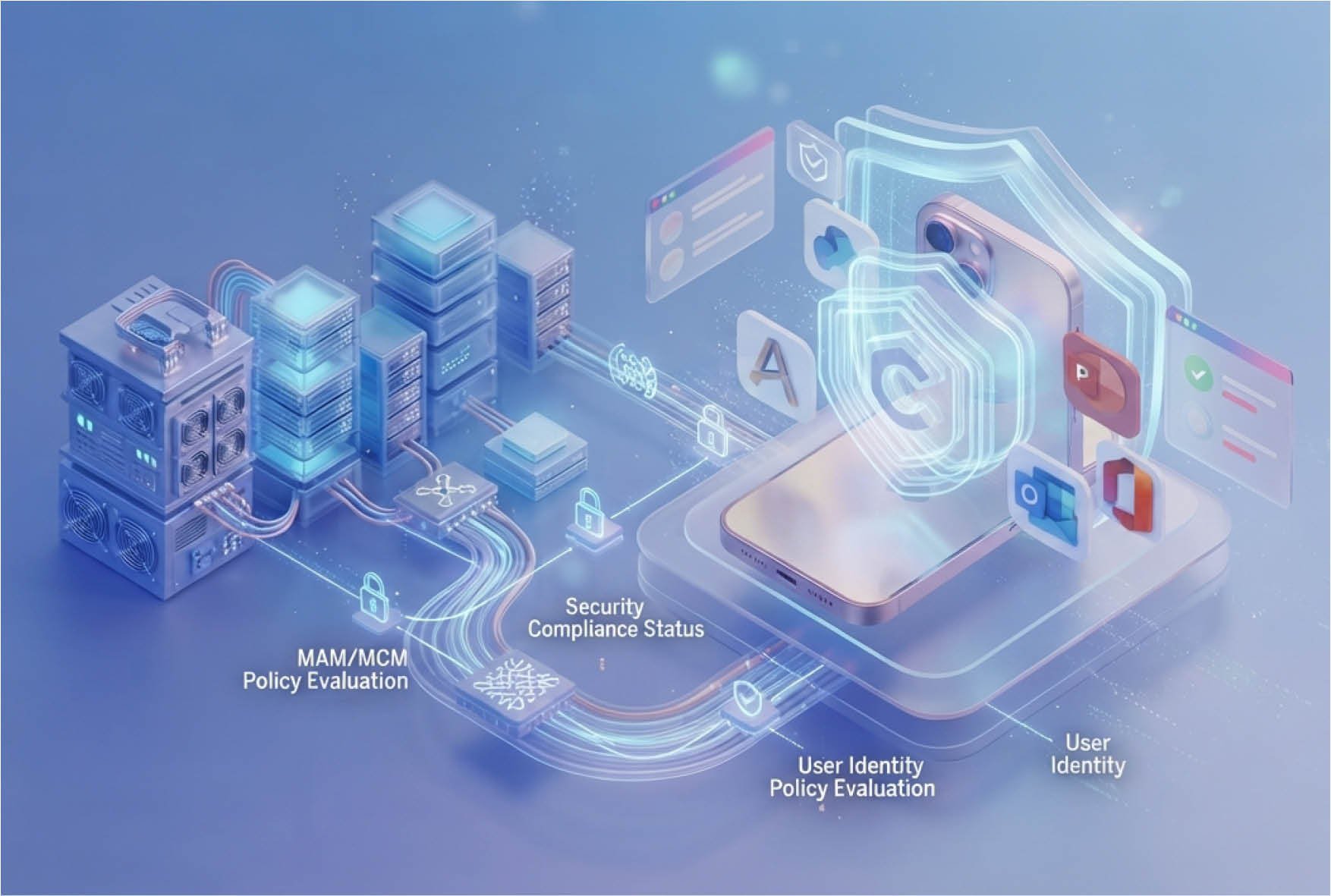
Tests before a Rollout.
Use a fictional marker such as AI-PILOT-ONLY-4821. Do not use real customer information to discover whether a control works. The table below is an acceptance plan. Record the actual result for both managed and unenrolled test devices; do not present the expected outcome as a completed test.
For MAM selective wipe, Microsoft explains that the organizational app data is removed when the app processes the request. This is not a full phone reset, and it is not a command to delete the vendor's cloud-side chat history. Verify the wipe status rather than promising instant removal from an offline device. See Microsoft selective-wipe guidance.
A go/no-go evidence would be small but concrete: the selected app identity, applied user policy, observed device behavior and an explained exception list. «The app installed successfully» would not pass that gate alone.
Recommendation for the first Rollout.
Begin with one approved AI workspace, a small user pilot and one useful workflow. Expand only after the data path and identity path both work. If the client is not protected, check the exact app and account before changing the whole baseline. If copy/paste behaves unexpectedly, check both source and destination. If sign-in fails, inspect the resource and grant result instead of removing Conditional Access as a shortcut.
This guide does not establish an Android equivalent for either vendor. Generic Android MAM support in Intune does not prove that a particular AI client supports it. Treat Android, desktop and browser access as separate rollout tracks. For the wider endpoint picture, my Shadow AI and OpenClaw guide explains why discovery should come before blocking. Mobile app protection is another piece of that work, not a replacement for it.
Takeaway: Use the correct AI client, protect the approved data path and verify it on a real device. Intune protects the supported mobile workflow. You still own the decision about what the AI service may receive.